AzureBet App — Official Mobile Platform for Bangladesh Players
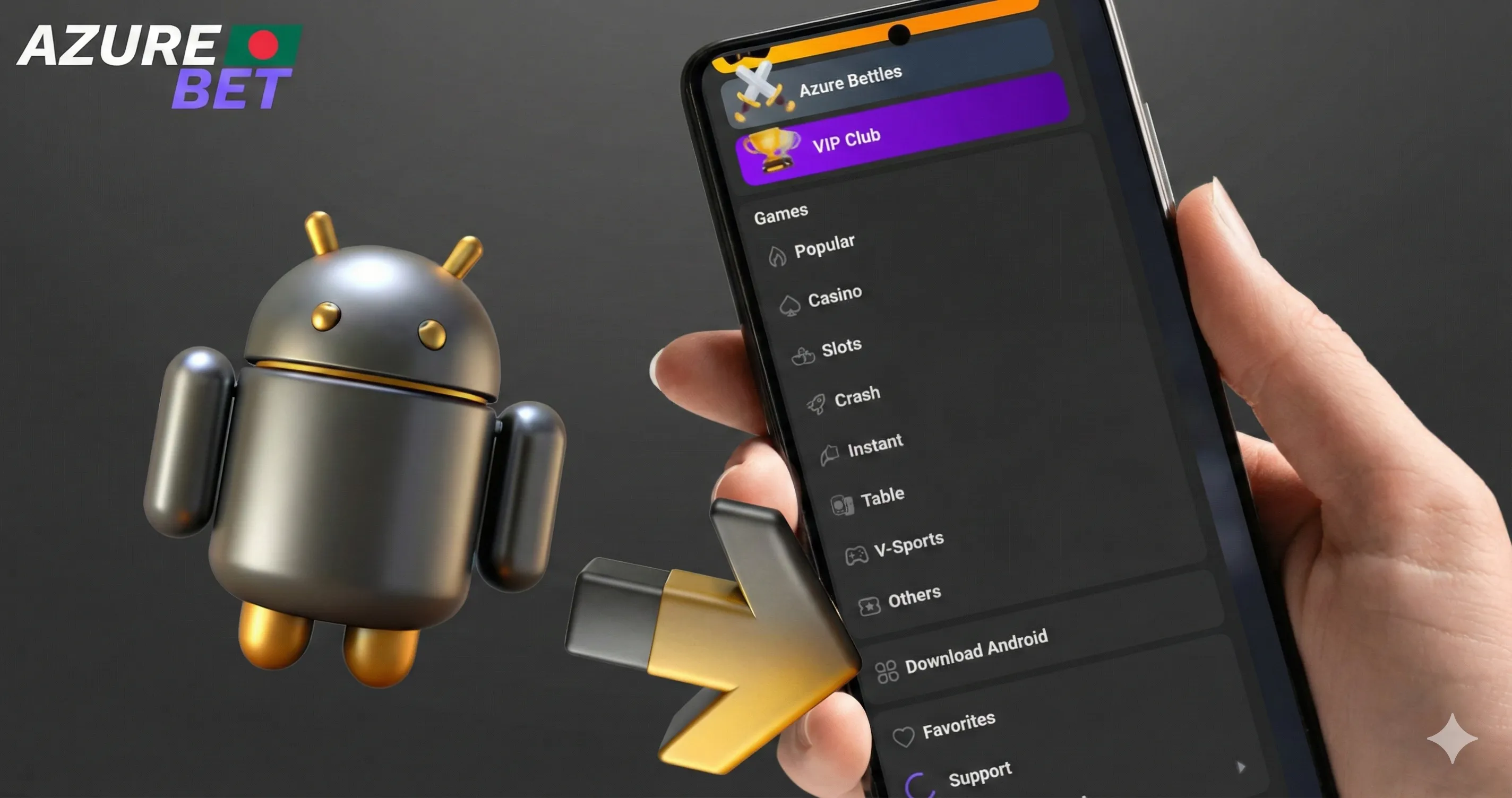
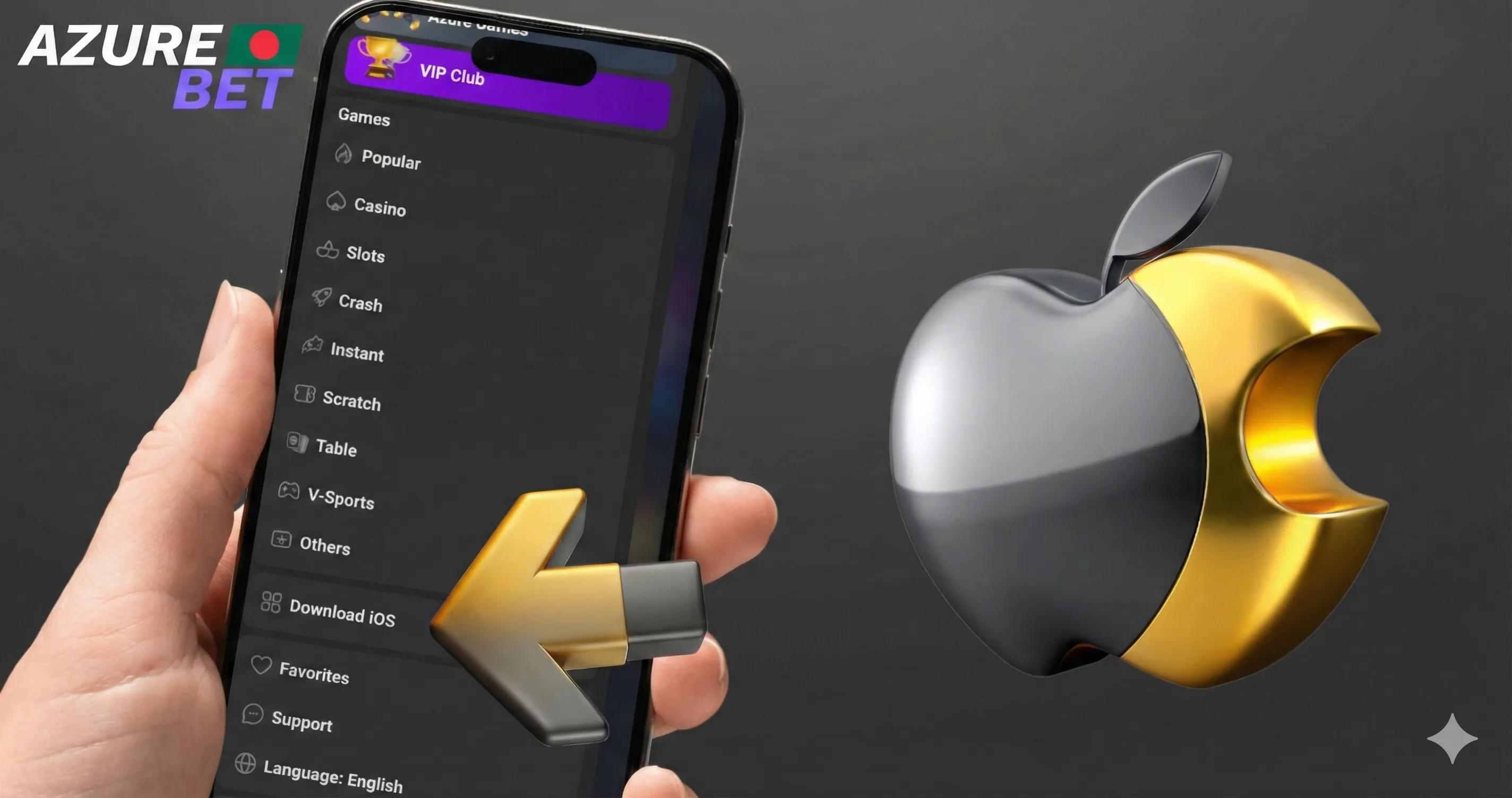
Azure Bet app is a PWA — it installs directly from the browser on Android, iOS, Windows and MacOS without going through an app store. No APK file to download from third-party sources, no review delays. The whole installation takes under a minute and the app runs as a native experience on your home screen or desktop.
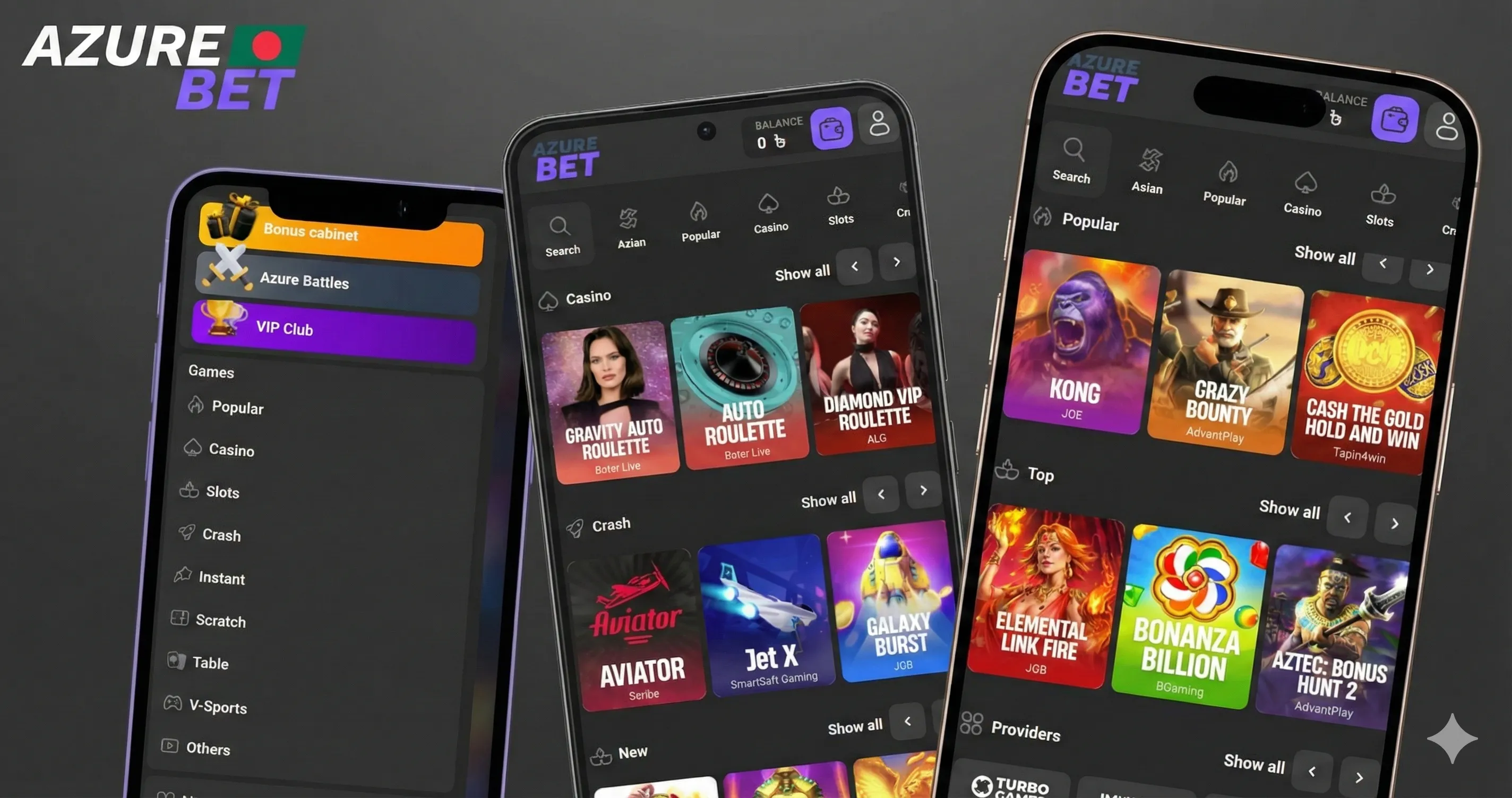
The app carries everything from the main platform: 4,000+ games, bKash and Nagad payments in BDT (৳), the full bonus system including your 125% welcome bonus up to ৳27,000, Azure Battles tournaments, and the VIP Club. Live casino streams from Evolution and Ezugi run in HD on mobile the same as desktop.
| Feature | Details |
|---|---|
| Installation type | PWA — browser-based, no app store required |
| Android | Chrome browser — three-dot menu → Install app |
| iOS (Chrome) | Share icon → Add to Home Screen |
| iOS (Safari) | Share icon (bottom panel) → Add to Home Screen |
| Windows / MacOS (Chrome) | Install icon in address bar → Confirm |
| Windows / MacOS (Safari) | Share → Add to Dock |
| Compatible OS | Android 5.0+, iOS 11.0+, Windows, MacOS |
| Interface languages | English, Bengali, Hindi, Turkish, Azerbaijani |
| Currency | BDT (৳) |
| Payment methods | bKash, Nagad, Visa, Mastercard, Bitcoin, USDT, ETH |
| Bonus on mobile | 125% up to ৳27,000 + 250 Free Spins |
| Customer support | 24/7 live chat and email |
| Security | SSL encryption |
AzureBet App Bonuses — What You Get on Mobile
AzureBet app gives full access to every active promotion on the platform — the same bonuses available on desktop apply on mobile without any restrictions. If you register and make your first deposit through the app, the 125% welcome bonus up to ৳27,000 and 250 free spins credit to your account automatically. No separate mobile bonus code, no additional steps.
The 250 free spins activate on 2021 Hit Slots by Endorphina immediately after signup. Wagering requirement on both the bonus and free spin winnings is x45, with a 7-day window to complete it. The bonus balance and real money balance are tracked separately in your account — you can see both in the Bonus Cabinet section of the app.
Beyond the welcome offer, AzureBet app download gives you ongoing access to the full promotions suite: 5% Rakeback credited permanently, weekly personalised bonuses based on your activity, and Azure Battles tournament events with prize pools. All of these are accessible directly from the Bonus Cabinet tab inside the app.
| Bonus | Amount | Wagering | Notes |
|---|---|---|---|
| Welcome Bonus | 125% up to ৳27,000 | x45 | Auto-credited on first deposit |
| Free Spins | 250 FS | x45 on winnings | 2021 Hit Slots by Endorphina |
| Rakeback | Up to 5% | No wager | Permanent, credited automatically |
| Weekly Bonus | Personalised | Varies | Based on account activity |
| Azure Battles | Prize pool | — | Tournament format, scheduled events |
How to Install Azure Bet APK Download on Any Device
Azure Bet APK download is not required — the app installs as a PWA directly from your browser. No file downloads from third-party sources, no permissions for unknown sources needed for most platforms. Here’s exactly how to do it on each device.
Android (Google Chrome)
- Open the site in Google Chrome on your Android device
- Tap the three-dot menu icon in the top right of the address bar
- Select “Install app” from the dropdown
- Confirm the installation — the AzureBet app icon appears on your home screen immediately
Android 5.0 and above is supported. The whole process takes under 30 seconds.
iOS (Google Chrome)
- Open the site in Chrome on your iPhone or iPad
- Tap the Share icon on the right side of the address bar
- Select “Add to Home Screen”
- Confirm — the app icon is added to your home screen
iOS (Safari)
- Open the site in Safari
- Tap the Share icon in the bottom panel
- Select “Add to Home Screen”
- Confirm — done
Windows and MacOS (Google Chrome)
- Open the site in Chrome on your desktop or laptop
- Click the Install icon on the right side of the address bar
- Click Confirm in the popup
Windows and MacOS (Safari)
- Open the site in Safari
- Click Share in the top menu
- Select “Add to Dock”
Once installed, AzureBet app download APK for Android and all other platforms gives you the full platform — 4,000+ games, bKash and Nagad payments, the Bonus Cabinet, VIP Club and 24/7 live chat support. Log in with your existing credentials or register directly inside the app.
Payments Inside the AzureBet App — Methods and Processing Times
AzureBet app handles deposits and withdrawals in BDT (৳) with no conversion fees. The minimum deposit is ৳100 across all payment methods. Tap Deposit in the bottom navigation bar, select your method, enter the amount and confirm — the cashier interface inside the app is identical to desktop.
bKash and Nagad are the fastest options — funds land in your account instantly. Rocket, Upay and Tap process within 1–2 hours. Visa and Mastercard deposits are instant, withdrawals take 1–3 business days. Crypto deposits — Bitcoin, USDT, Ethereum, Litecoin, Dogecoin, Bitcoin Cash — confirm within 1–4 hours depending on network load. The wallet address and QR code display directly in the cashier when you select a crypto method.
Withdrawals in the AzureBet casino app download follow the same method as your deposit. If you deposited via bKash, the withdrawal goes back to bKash. No platform fees are charged on either side of the transaction. If your account is KYC-verified, withdrawals process within 24–48 hours without additional document requests.
| Payment Method | Min. Deposit | Deposit Speed | Withdrawal Time | Fees |
|---|---|---|---|---|
| bKash | ৳100 | Instant | 24–48 hours | None |
| Nagad | ৳100 | Instant | 24–48 hours | None |
| Rocket / Upay / Tap | ৳100 | 1–2 hours | 24–48 hours | None |
| Visa / Mastercard | ৳100 | Instant | 1–3 business days | None |
| Bitcoin / USDT / ETH | ৳100 | 1–4 hours | 24–48 hours | None |
| Litecoin / DOGE / BCH | ৳100 | 1–4 hours | 24–48 hours | None |
What to Do When Azure Bet App Won’t Install
Most installation issues come down to browser version, device settings or a weak connection at the moment of install. Work through the list below before contacting support.
The Install option doesn’t appear in the browser menu
This happens when the browser hasn’t fully loaded the site or the browser version is outdated. Reload the page, wait for it to fully load, then check the menu again. On Chrome, make sure you’re running version 73 or above — older versions don’t support PWA installation. On Safari for iOS, the option only appears in the Share menu at the bottom panel, not in the address bar.
The app installs but won’t open
Clear the browser cache, restart your device and try opening the app again. If it still doesn’t launch, uninstall the app icon from your home screen and reinstall using the same browser steps.
The page loads but nothing happens after tapping Install
Check your internet connection — a dropped connection mid-install can cause the process to hang silently. Switch from mobile data to Wi-Fi or vice versa, reload the page and repeat the installation steps.
The app opens but shows a blank screen
This is almost always a cache issue. On Android, go to Settings → Apps → Chrome → Clear Cache. On iOS, close Safari completely, reopen and navigate to the site again. The blank screen clears after a fresh load.
AzureBet app download APK for Android — permission errors
The AzureBet app installs as a PWA, not an APK file, so no “Install from unknown sources” permission is needed. If you downloaded an APK file from somewhere else claiming to be the official app, do not install it — it is not from the platform. Use your browser on the official site only.
If none of the above resolves the issue, contact support via live chat — the button is visible on any page of the site. Have your device model and browser version ready to speed up the diagnosis.
Azure Bet App Security — How Your Data and Funds Are Protected
Azure Bet app runs on SSL encryption across every session — login, deposits, withdrawals and personal data are all encrypted end-to-end between your device and the platform. The same security layer that protects the desktop version applies in full on mobile.
Because the app is a PWA installed through your browser, it does not request device permissions that a standard APK would — no access to your contacts, camera, microphone or file storage is required for the app to function. This reduces the attack surface compared to a traditional mobile app installation.
Account security
Your login credentials are never stored in plain text. If the platform detects a login attempt from an unfamiliar device or location, an additional verification step may trigger before access is granted. If you suspect your account has been compromised, contact support immediately via live chat — the team operates 24/7 and can freeze the account while the issue is reviewed.
Payment security
All transactions inside AzureBet app — bKash, Nagad, Visa, Mastercard, crypto — are processed through encrypted payment channels. The platform does not store your card details or mobile banking credentials. Crypto wallet addresses displayed in the cashier are generated per-session and verified before funds are processed.
Avoiding fake apps
The only legitimate way to install the AzureBet app is through your browser on the official site. Any APK files circulating on third-party sites, Telegram channels or download platforms claiming to be the official AzureBet app are not verified and should not be installed. A fake APK can compromise your device and account credentials.
KYC and data protection
Identity documents submitted during KYC verification are encrypted and handled under internal privacy protocols. The platform does not share personal data with third parties outside of regulatory requirements. Once your account is verified, documents are not requested again for subsequent withdrawals.
FAQs
Does the Azure Bet app save my login details between sessions?
Yes. Enable “Remember me” at login and your credentials stay saved. You won’t need to re-enter your email and password each time you open the app.
Will the AzureBet app consume a lot of mobile data during live casino sessions?
Live casino streams from Evolution and Ezugi use HD video. Expect roughly 300–500MB per hour on live tables. Slots and crash games use significantly less data.
Does the app support Bengali language out of the box?
Yes. Switch the language from the settings menu inside the app. Bengali (বাংলা) is available natively alongside English, Hindi, Turkish and Azerbaijani.
Can I participate in Azure Battles tournaments through the app?
Yes. Azure Battles are fully accessible from the app — check the dedicated section in the main menu for active tournaments, entry conditions and current prize pools.
What happens to my open game session if I switch from the app to another app on my phone?
The session stays active server-side for a set period. Return to the AzureBet app download, reopen the game and your balance and round state are restored.
Does installing the app affect my phone's battery life significantly?
PWA apps are lighter than native APKs. Live casino sessions draw the most battery due to HD streaming. Slots and crash games run efficiently with minimal battery impact.